

Virtual Assistant Integration Best Practices for Business Owners

Virtual assistant integration best practices are the systematic methods that ensure smooth onboarding, high productivity, and secure operations when you add remote professionals to your business workflows. Done right, integrating a virtual assistant transforms your capacity for growth. Done poorly, it creates confusion, security gaps, and wasted time. The difference comes down to clarity: clear roles, clear tools, clear expectations. Whether you are working with a general admin assistant or a HIPAA-certified billing specialist, the same core principles apply. Tools like Slack, Google Workspace, and Grammarly appear in the most successful setups for good reason.
1. Define the role before you hire
The most common integration failure happens before the first day. Business owners hire a virtual assistant without a written role definition, then wonder why output does not match expectations. A role definition is not a job posting. It is a living document that lists specific tasks, decision-making authority, tools the assistant will use, and what success looks like in the first 30, 60, and 90 days.
Start by auditing your own workload. List every recurring task you handle in a week. Then separate tasks that require your direct judgment from tasks that follow a repeatable process. The second category belongs in your assistant’s role definition. This audit alone prevents the most common frustration in virtual assistant operations: handing off work that was never properly documented.
2. Build a structured onboarding plan
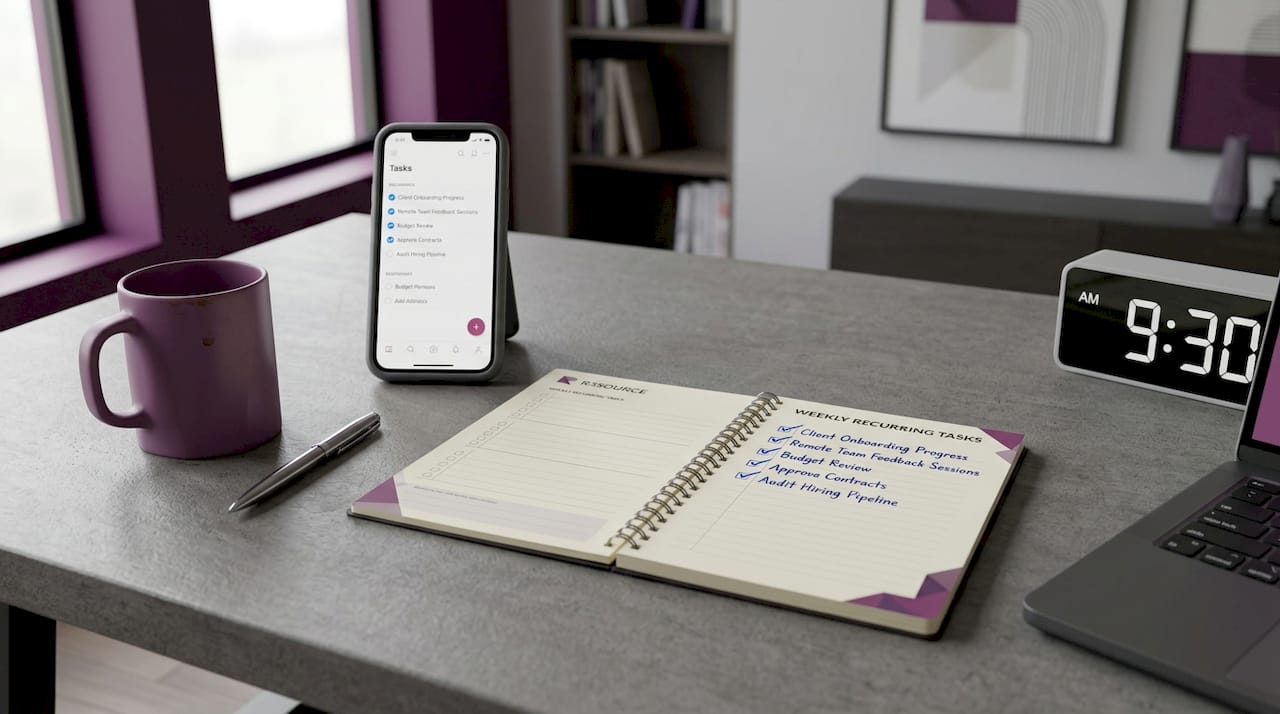
Onboarding is not orientation. Orientation is a single event. Onboarding is a structured process that runs for weeks and includes training, feedback, and gradual task expansion. Gradual task assignment and ongoing feedback build trust and effectiveness over time, producing better long-term results than throwing a full workload at someone on day one.
A solid onboarding plan includes:
A written welcome document covering company culture, communication norms, and tools
Step-by-step training on each tool the assistant will use, including Slack, Google Workspace, and any CRM your team runs
A task ramp schedule: start with two or three core tasks, then expand weekly based on performance
A 30-day check-in meeting to review progress and address gaps
A shared folder or project management board (Asana, Trello, or ClickUp work well) where all tasks are visible
Pro Tip: Use Grammarly’s team features to set brand tone guidelines. Your assistant’s written communications will match your voice from week one, without constant editing on your part.
A detailed onboarding checklist removes guesswork and gives your assistant a clear path to full productivity.
3. Set performance SLAs from day one
A service level agreement (SLA) is a written commitment to specific performance standards. Most business owners skip this step and rely on vague expectations instead. That approach fails. Setting clear performance SLAs from day one improves consistency and accountability far more than post-hire coaching alone. This means the standard is established before work begins, not after a problem surfaces.
Your SLAs should cover response time (for example, reply to all messages within two business hours), task turnaround time for recurring deliverables, and quality standards for each task type. Write these into your onboarding document and review them at your 30-day check-in. Adjust them as the role matures. SLAs are not punitive. They are a shared agreement that protects both you and your assistant.
4. Implement security and access controls
Security is not a one-time setup. It is an ongoing practice that requires regular review. Encryption at rest and in transit, role-based access control, multi-factor authentication, and VPN use together create a multi-layered environment that protects your business data. Each layer addresses a different attack surface, so removing any one of them weakens the whole system.
Apply the least-privilege principle: your assistant gets access only to the systems and data required for their specific tasks. Nothing more. Use a password manager like 1Password or Bitwarden to share credentials without exposing the actual passwords. Enable multi-factor authentication on every platform your assistant accesses, including email, your CRM, and any cloud storage.
Security is not a setup task. It is a recurring responsibility. Review access permissions every quarter and revoke credentials the moment a role changes.
For teams managing sensitive client data, tools like CloudGentic Gateway offer granular access management with features including emergency kill switches, anomaly detection, and audit logging. This level of control gives you operational transparency without micromanaging your assistant’s daily work.
5. Choose the right tools and technology framework
The technology your assistant uses shapes how productive they can be. Choosing the wrong stack creates friction. Choosing the right one multiplies output. The table below compares common tool categories and what to look for in each:
Tool category | What to prioritize | Example tools |
Communication | Async-friendly, searchable history | Slack, Microsoft Teams |
Task management | Visibility, deadlines, dependencies | Asana, ClickUp, Trello |
Document collaboration | Real-time editing, version control | Google Workspace, Notion |
Security and access | MFA, role-based permissions, audit logs | 1Password, CloudGentic Gateway |
Automation | Workflow triggers, scheduling, AI agents | Google Gemini Spark, Zapier |
Google’s Gemini Spark automates multi-step tasks inside Google Workspace by combining Tasks, Skills, and Schedules. It runs continuously on cloud infrastructure and connects with Gmail, Calendar, and Docs. This means your assistant can trigger automated workflows for recurring processes like report generation or calendar management, freeing their time for higher-value work.
Pro Tip: Before going live with any automation, run a dry-run test with sample data. Catching errors in a test environment costs nothing. Catching them after they affect a client costs significantly more.
6. Establish clear communication protocols
Communication breakdowns are the leading cause of virtual assistant underperformance. The fix is not more messages. It is better structure. Clear communication and well-defined responsibilities directly improve reliability, organization, and client responsiveness. This finding holds across industries, from financial advisory to e-commerce.
Build your communication protocol around three elements:
Channels by purpose: Use Slack for quick questions, email for formal requests, and video calls for complex discussions. Never mix these up. When every type of message has a designated channel, nothing gets lost.
Scheduled check-ins: A 15-minute weekly sync prevents small misunderstandings from becoming large problems. Use a shared agenda so both parties come prepared.
Response time expectations: Write these into your SLA. Your assistant should know exactly how quickly they are expected to respond to different message types.
Cultural clarity matters too, especially when working with remote professionals from the Philippines, where R3source sources its talent. Be direct in your instructions. Avoid idioms and ambiguous phrasing. When you write a task brief, include the desired outcome, the deadline, and any constraints. This removes the guesswork that slows down even the most capable assistant.
Pro Tip: Record a short Loom video for complex task instructions instead of writing a long email. Video reduces misinterpretation and saves both parties time.
7. Tailor your approach to your industry
Effective virtual assistant strategies are not one-size-fits-all. The integration approach that works for a startup looks different from what a healthcare practice or financial advisory firm needs.
Healthcare: HIPAA compliance is non-negotiable. HIPAA-certified billing assistants require SLAs that specify acknowledging new billing messages within one business hour and processing claims within 24 hours, with a typical go-live within one week plus a 60-minute onboarding session. This structured approach supports rapid, compliant integration from the start.
Financial services: Confidentiality and reliability take priority. Documented workflows and clear responsibilities are the foundation. Your assistant should never handle client funds or sensitive account data without explicit written authorization and a documented process.
Startups: Flexibility matters most. Start your assistant on the tasks that directly unblock your revenue activities: inbox management, lead follow-up, and calendar coordination. Expand their responsibilities as the business stabilizes and their performance proves consistent.
E-commerce: Volume and speed define success here. Your assistant needs clear escalation paths for customer complaints, a documented returns process, and access to your order management system with role-based permissions.
For regulated or high-stakes work, combining contracts, compliance readiness, and operational SLAs is the foundation of reliable VA integration. Skipping any one of these three elements creates gaps that show up at the worst possible moment.
8. Monitor performance and invest in continuous improvement
Integration does not end at go-live. The businesses that get the most from their virtual assistants treat the relationship as an ongoing investment, not a completed project. Set a monthly performance review cadence. Review SLA compliance, task quality, and communication responsiveness. Use these reviews to identify training opportunities, not just problems.
Encourage your assistant to flag process inefficiencies they notice. They are closest to the recurring tasks and often spot improvements that you would miss. When they surface a better way to handle something, document it and update your standard operating procedures. This feedback loop is what separates a good integration from a great one. Finding a reliable long-term assistant is only the beginning. Keeping that relationship productive requires consistent investment from both sides.
Key takeaways
Successful virtual assistant integration requires clear role definitions, structured onboarding, security-first access controls, and industry-specific SLAs working together from day one.
Point | Details |
Define roles before hiring | Write a specific role document covering tasks, tools, and 30/60/90-day success metrics. |
Onboard gradually | Start with two or three tasks and expand weekly based on documented performance. |
Set SLAs upfront | Specify response times and task turnaround standards before the assistant’s first day. |
Layer your security | Combine MFA, role-based access, encryption, and audit logging for full data protection. |
Tailor by industry | Healthcare needs HIPAA compliance; finance needs confidentiality protocols; startups need flexibility. |
What I have learned from watching integrations succeed and fail
The integrations I have seen fail share one trait: the business owner expected the assistant to figure things out independently. That expectation is unfair and expensive. Virtual assistants excel when owners invest in clear communication and incremental task delegation rather than expecting immediate full-capacity performance from week one.
The other mistake I see constantly is treating security as a setup task. You configure MFA, share the passwords, and consider it done. But access permissions drift over time. Roles change. People get access to systems they no longer need. A quarterly access audit takes 30 minutes and prevents the kind of data exposure that takes months to recover from.
The most productive assistant relationships I have observed share one quality: the business owner treats the assistant as a long-term team member, not a temporary fix. That mindset changes how you onboard, how you communicate, and how you invest in their growth. It also changes what you get back.
— Ellis
Build your remote team with R3source
R3source connects U.S. business owners with trained, long-term virtual assistants from the Philippines who are ready to integrate directly into your operations. Every placement comes with structured onboarding support, documented SLA frameworks, and a team that understands what accountability looks like in practice. Whether you need administrative support, CRM management, customer service, or a full dedicated remote team, R3source delivers consistent performance without the overhead of a full-time hire. If you are ready to reclaim your time and build your support system the right way, explore R3source’s offshore virtual assistant services and take the first step toward scaling with confidence.
FAQ
What are the most important virtual assistant integration best practices?
The most critical practices are defining the role clearly before hiring, setting performance SLAs from day one, and implementing layered security including MFA and role-based access control. Structured onboarding with gradual task expansion produces the most consistent long-term results.
How do I keep my business data secure with a virtual assistant?
Use encryption for all shared data, enforce multi-factor authentication on every platform, apply the least-privilege access principle, and conduct quarterly access audits. Tools like CloudGentic Gateway add anomaly detection and audit logging for additional control.
Do I need different integration steps for a healthcare virtual assistant?
Yes. Healthcare virtual assistants must meet HIPAA compliance standards, with SLAs specifying message acknowledgment within one business hour and claim processing within 24 hours. A documented go-live process and 60-minute onboarding session are standard for compliant healthcare VA integration.
How long does it take to fully integrate a virtual assistant?
Most assistants reach full productivity within 60 to 90 days when onboarding follows a structured ramp schedule. Starting with a small task set and expanding weekly based on performance is the most reliable path to full integration.
What communication tools work best for managing a virtual assistant?
Slack handles quick daily communication well, while Google Workspace supports document collaboration and scheduling. Pairing these with a task management platform like Asana or ClickUp gives you full visibility into your assistant’s workload without constant check-ins.
Recommended
Comments